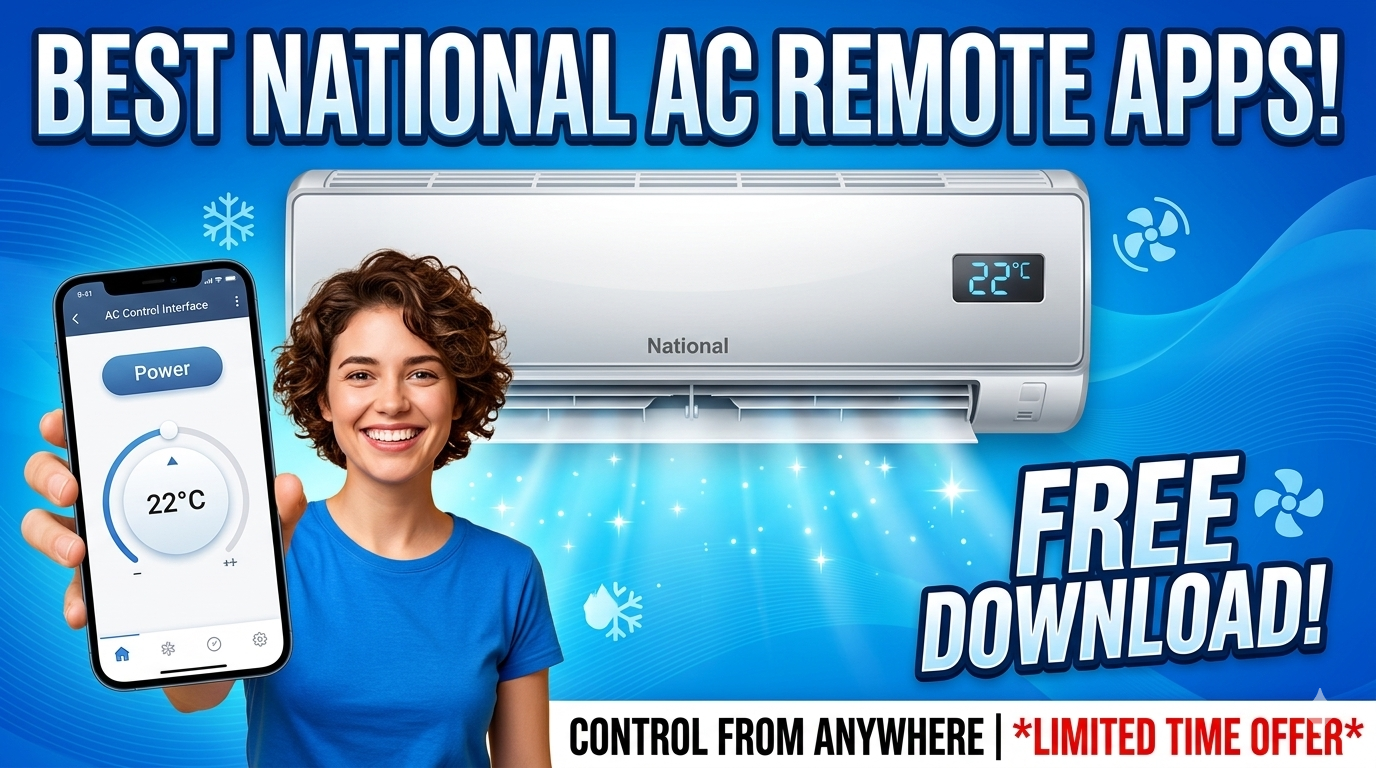
Lost Your National AC Remote? — Turn your smartphone into a fully functional AC controller! We have listed the Best National AC Remote Apps that work via IR Blaster or WiFi. Compatible with old National split ACs and newer Panasonic models. ⏰ Download now and control your cooling instantly!
❄️ SMART CONTROL – Phone as AC Remote
National AC Remote App (Universal & Smart)
Control Temperature | Mode | Fan Speed | Swing | Timer
FREE to download on Android & iOS
⚡ Works with: Old National ACs, Panasonic ACs, Split & Window
⏰ No need to buy a new remote!
✅ Emergency Backup: Perfect solution when your physical remote is lost or broken.
✅ Zero Cost: Save money buying replacement batteries or remotes.
✅ Smart Features: Access features like 24-hour Timer, Sleep Mode, and Swing control easily.
✅ One App Control: Control your TV, AC, and Set-top box from one single phone.
💡 Note: “National” is a legacy brand now merged with Panasonic. For older National ACs, use IR Universal Apps. For newer ones, use Panasonic Comfort Cloud.
📊 Top 3 National AC Remote Apps (Comparison)
| App Name | Connection Type | Best For |
|---|---|---|
| Mi Remote / Peel Remote | IR Blaster | Old National ACs (Non-Smart) |
| Sure Universal Remote | WiFi / IR | Smart ACs & Old IR ACs |
| Panasonic Comfort Cloud | WiFi | Newer Panasonic/National Models |
📲 Detailed App Reviews
1. Mi Remote Controller (For IR)
🏆 Best for Old National ACs Free
If you have an older National Split or Window AC that is not connected to WiFi, you need an IR Blaster app. Mi Remote (pre-installed on Xiaomi phones) or Peel Remote has a massive database of codes for legacy National AC units. It works instantly if your phone has an IR sensor.
Requirement: Phone with IR Blaster
2. Panasonic Comfort Cloud
🏢 Official App WiFi Control
Since the National brand was absorbed by Panasonic, newer models often use Panasonic technology. If your AC is a smart AC (WiFi enabled), this is the official app. It allows you to control temperature, monitor energy usage, and set schedules from anywhere.
Requirement: WiFi Connected AC
3. SURE Universal Remote
📱 Works on All Phones
If you don’t have an IR blaster, SURE Universal can control Smart ACs over WiFi. It also supports IR if your phone has the hardware. It is a great all-in-one solution for controlling your National AC and other home appliances.
Price: Free with Ads
⚙️ How to Setup the Remote App
Step 1: Check Your AC Type
Does your National AC have WiFi? If yes, use Panasonic Comfort Cloud. If it’s an old model with no WiFi, you need an IR Remote App.
Step 2: Check Your Phone
Do you have an IR Blaster (mostly Xiaomi, Redmi, Huawei phones)? If yes, open Mi Remote. If not, you cannot use an app for old non-smart ACs without buying an OTG IR Dongle.
Step 3: Select “National” or “Panasonic”
In the app, select “Add Device” -> “Air Conditioner”. Search for “National” in the brand list. If not found, try “Panasonic” as the codes are often identical.
🛒 No IR Phone? Buy a Universal Remote
If your phone does not have an IR Blaster and your AC is not a Smart WiFi model, apps will not work. In this case, buying a replacement remote is the best solution. You can find cheap Universal AC Remotes on Flipkart that work perfectly with National ACs.
🛒 Buy Universal Remote on Flipkart
👉 Check Myntra