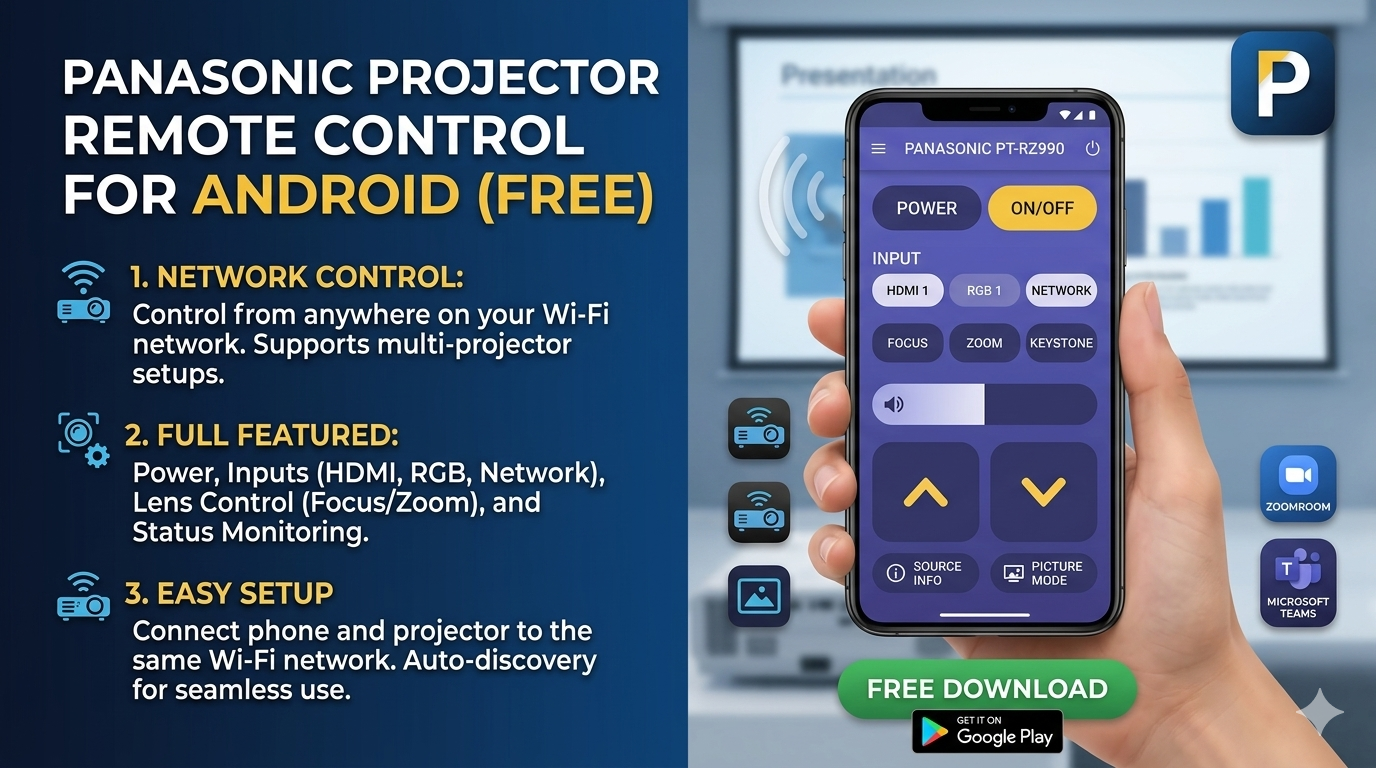
What is the Panasonic Projector Remote App and how does it work?
| Detail | Info |
|---|---|
| App Name | Panasonic Projector Remote Control |
| Compatible Devices | Panasonic Home Cinema Projectors, Business Projectors (PT series) |
| Phone Requirement | Android phone with IR blaster |
| Cost | Free |
| Platform | Android (Google Play) |
| Connection Type | Infrared (IR blaster) — no Wi-Fi needed |
| Official App | No — third-party app |
What functions does the Panasonic Projector Remote App support?
- Power On/Off — turn your Panasonic projector on and off
- Input Source — switch between HDMI, VGA, USB, Video
- Menu — access projector settings and picture adjustment
- Volume — control built-in speaker volume (if applicable)
- Keystone — adjust image geometry
- Navigation Keys — move through on-screen menus
- Blank / Freeze — pause or hide the projection image
- Save Favourite Remotes — store preferred settings
How do I set up the Panasonic Projector Remote App?
- Download the Panasonic Projector Remote App from Google Play using the button above.
- Open the app and confirm your phone detects its IR blaster.
- Point your phone’s top edge (IR sensor) toward your Panasonic projector IR receiver.
- Press Power to test — if the projector responds, setup is complete.
- Set your preferred input source and save the configuration.
Panasonic Projector Remote App vs alternatives
| Feature | Panasonic Projector App | Universal Projector App | Physical Universal Remote |
|---|---|---|---|
| Connection | IR blaster | IR blaster | IR (physical) |
| Panasonic-Specific | ✅ Yes | ⚠️ Generic | ⚠️ Generic |
| Works Offline | ✅ Yes | ✅ Yes | ✅ Yes |
| Cost | Free | Free | ₹500–1000 |
Buy Panasonic Projectors and Accessories — Flipkart Deals
| Product | Details | Buy on Flipkart |
|---|---|---|
| Panasonic Home Cinema Projector | Full HD / 4K Home Theater | View on Flipkart → |
| Panasonic Business Projector | High Lumens for Office | View on Flipkart → |
| Projector Screen | Motorized / Manual Screens | View on Flipkart → |
| HDMI Cable for Projector | Long range HDMI cables | View on Flipkart → |
Phone accessories for IR blaster users — Myntra
| Accessory | Why Useful | Shop |
|---|---|---|
| Phone Stand / Holder | Keep phone on desk for presentation control | View on Myntra → |
| Protective Phone Case | Protect your IR blaster phone | View on Myntra → |
| Smartwatch | Convenient control from your wrist | View on Myntra → |
Frequently asked questions
Does the Panasonic Projector Remote App work on all Panasonic models?
Yes — compatible with most Panasonic home cinema and business projectors (PT series). Point your phone’s IR sensor directly at the projector’s IR receiver window.
Which phones work with the Panasonic Projector Remote App?
Any Android phone with an IR blaster. Xiaomi Redmi Note series, Poco X/M series, and Honor phones are popular options in India.
Is the Panasonic Projector Remote App free?
Yes — completely free to download and use from Google Play.
What if the Panasonic Projector Remote App is not working?
Confirm your phone has an IR blaster and ensure a clear line of sight to the projector sensor. If it fails, try a universal projector remote or the official Panasonic visual system app (requires Wi-Fi).
📂 Browse more: All TV & AC Remote Apps | Epson Projector Remote App | Sony Projector Remote App | BenQ Projector Remote App
Disclosure: Way2Offers may earn a commission when you purchase through Flipkart or Myntra links on this page. App download links go directly to Google Play at no cost.