Subscribe to our WhatsApp Channel & Get Daily Deals

Best National AC Remote Apps

Best National Ac Remote Apps

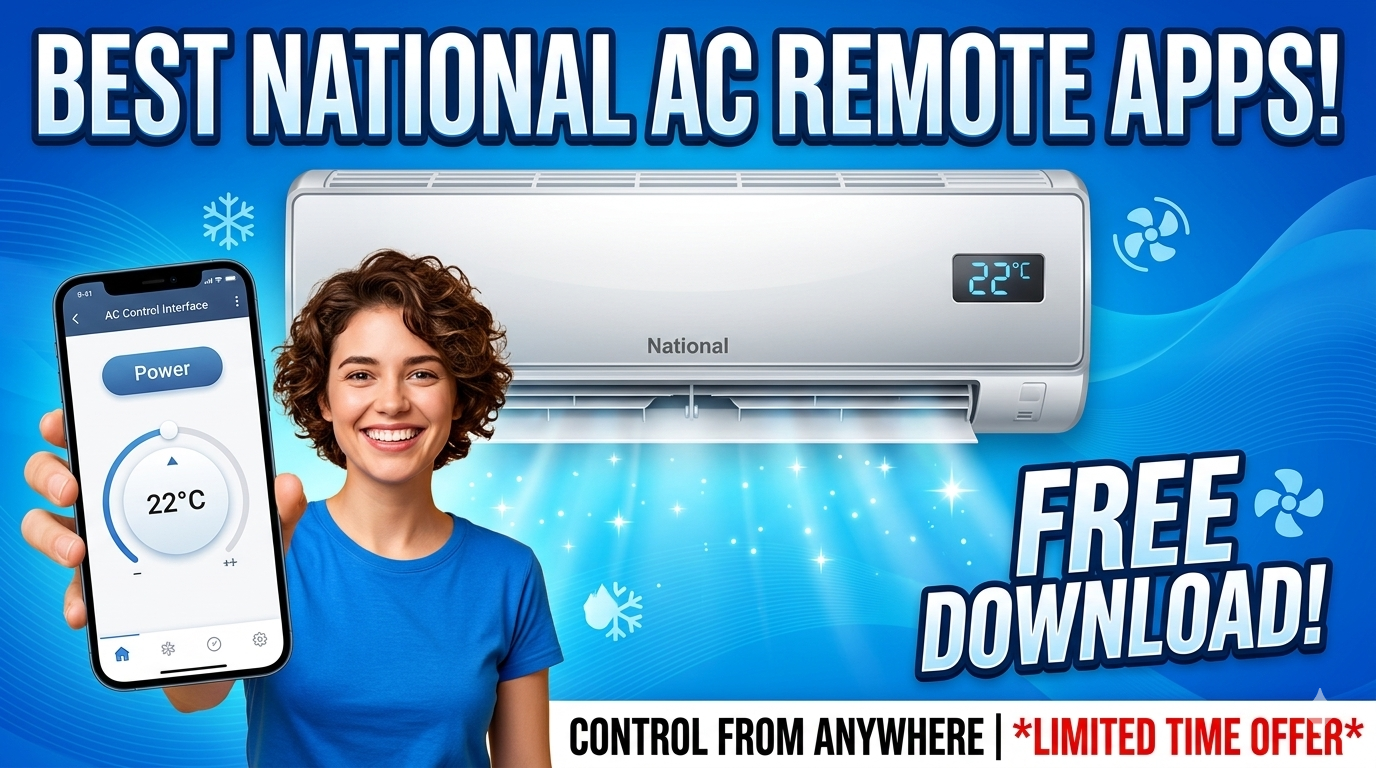
Lost Your National AC Remote? — Turn your smartphone into a fully functional AC controller! We have listed the Best National AC Remote Apps that work via IR Blaster or WiFi. Compatible with old National split ACs and newer Panasonic models. ⏰ Download now and control your cooling instantly!

❄️ SMART CONTROL – Phone as AC Remote

National AC Remote App (Universal & Smart)

Control Temperature | Mode | Fan Speed | Swing | Timer

FREE to download on Android & iOS

⚡ Works with: Old National ACs, Panasonic ACs, Split & Window

⏰ No need to buy a new remote!

📱 Download Remote Apps

🎁 Why Use a National AC Remote App?
Emergency Backup: Perfect solution when your physical remote is lost or broken.
Zero Cost: Save money buying replacement batteries or remotes.
Smart Features: Access features like 24-hour Timer, Sleep Mode, and Swing control easily.
One App Control: Control your TV, AC, and Set-top box from one single phone.
💡 Note: “National” is a legacy brand now merged with Panasonic. For older National ACs, use IR Universal Apps. For newer ones, use Panasonic Comfort Cloud.

📊 Top 3 National AC Remote Apps (Comparison)

App Name Connection Type Best For
Mi Remote / Peel Remote IR Blaster Old National ACs (Non-Smart)
Sure Universal Remote WiFi / IR Smart ACs & Old IR ACs
Panasonic Comfort Cloud WiFi Newer Panasonic/National Models
See also  Panasonic Projector Remote App – Panasonic Projector Remote Control for Android (Free)

📲 Detailed App Reviews

1. Mi Remote Controller (For IR)

🏆 Best for Old National ACs Free

If you have an older National Split or Window AC that is not connected to WiFi, you need an IR Blaster app. Mi Remote (pre-installed on Xiaomi phones) or Peel Remote has a massive database of codes for legacy National AC units. It works instantly if your phone has an IR sensor.

Requirement: Phone with IR Blaster

🔗 Download Android

2. Panasonic Comfort Cloud

🏢 Official App WiFi Control

Since the National brand was absorbed by Panasonic, newer models often use Panasonic technology. If your AC is a smart AC (WiFi enabled), this is the official app. It allows you to control temperature, monitor energy usage, and set schedules from anywhere.

Requirement: WiFi Connected AC

🔗 Download Android

3. SURE Universal Remote

📱 Works on All Phones

See also  Onkyo AV Receiver Remote App – Onkyo AV Receiver Remote Control for Android (Free)

If you don’t have an IR blaster, SURE Universal can control Smart ACs over WiFi. It also supports IR if your phone has the hardware. It is a great all-in-one solution for controlling your National AC and other home appliances.

Price: Free with Ads

🔗 Download Android

⚙️ How to Setup the Remote App

Step 1: Check Your AC Type

Does your National AC have WiFi? If yes, use Panasonic Comfort Cloud. If it’s an old model with no WiFi, you need an IR Remote App.

Step 2: Check Your Phone

Do you have an IR Blaster (mostly Xiaomi, Redmi, Huawei phones)? If yes, open Mi Remote. If not, you cannot use an app for old non-smart ACs without buying an OTG IR Dongle.

Step 3: Select “National” or “Panasonic”

In the app, select “Add Device” -> “Air Conditioner”. Search for “National” in the brand list. If not found, try “Panasonic” as the codes are often identical.

🛒 No IR Phone? Buy a Universal Remote

If your phone does not have an IR Blaster and your AC is not a Smart WiFi model, apps will not work. In this case, buying a replacement remote is the best solution. You can find cheap Universal AC Remotes on Flipkart that work perfectly with National ACs.

🛒 Buy Universal Remote on Flipkart
👉 Check Myntra

Troubleshooting Tip! If the app buttons don’t match your AC functions, try different “Codes” in the app settings. Universal apps have hundreds of codes for National. Test the volume/power buttons to find the right match.

❓ Frequently Asked Questions (FAQs)

Q: Can I use an iPhone to control an old National AC?
A: No, iPhones do not have IR Blasters. You can only control Smart/WiFi enabled National ACs with the Panasonic app on an iPhone. For old ACs, you must buy a physical remote.
Q: Is National and Panasonic the same?
A: Yes, National is a brand originally owned by Matsushita (now Panasonic). In India, old ACs are branded National, while new ones are Panasonic. Remote codes are often shared.
Q: Why is my phone not detecting the AC?
A: Ensure your phone’s IR port is pointed directly at the AC sensor. Ensure no case is blocking the sensor. For WiFi apps, ensure both are on the same network.
Q: Where is the IR sensor on the AC?
A: It is usually a small black plastic window on the display panel of the indoor unit. Point your phone directly at this from within 5-6 feet.

🔗 You May Also Like These Deals

🏠 Urban Company Refer & Earn – ₹300 OFF + ₹300 Per Referral
50+ At-Home Services | Salon, Repairs, Cleaning | 30+ Indian Cities

See also  Panasonic Projector Remote App – Panasonic Projector Remote Control for Android (Free)

🧹 Pronto Referral Code – ₹50 OFF First Service + ₹100 Per Referral
Home Cleaning | Kitchen Help | Daily Chores | Verified Professionals

💸 ExtraPe Referral Program – Earn 10% of Friends’ Earnings for Life
Zero Investment | ₹1L/Month Potential | Pan-India

🔥 Magicpin Referral Code – Burger King ₹49 + ₹10 Amazon Pay Per Referral
50M+ Users | Food, Fashion, Entertainment | 50+ Cities

Related Posts

Panasonic Projector Remote App

Panasonic Projector Remote App – Panasonic Projector Remote Control for Android (Free)

Quick Summary: The Panasonic Projector Remote App turns your Android phone into a full Panasonic projector remote using the IR blaster. Free on Google Play. Control power, input sources, menu…

Read more
Onkyo Av Receiver Remote App

Onkyo AV Receiver Remote App – Onkyo AV Receiver Remote Control for Android (Free)

Quick Summary: The Onkyo AV Receiver Remote App turns your Android phone into a full Onkyo AV Receiver remote using the IR blaster. Free on Google Play. Control power, volume,…

Read more
Siti Digital Remote App

SITI Digital Remote App – SITI Networks Set-Top Box Remote Control for Android (Free)

Control your SITI Networks cable TV set-top box from Android using IR blaster with the SITI Digital Remote App. Free on Google Play. All channels, volume, EPG, settings. Verified March 2026.

Read more
Tata Sky Remote App – Tata Play Set-Top Box Remote Control For Android (Free) 10

Tata Sky Remote App – Tata Play Set-Top Box Remote Control for Android (Free)

Use the Tata Sky Remote App to control your Tata Sky (Tata Play) set-top box from Android using IR blaster. Free on Google Play. Channel control, volume, power and more. Verified March 2026.

Read more
Samsung Tv Remote App – Samsung Smart Tv Remote Control For Android (Free) 12

Samsung TV Remote App – Samsung Smart TV Remote Control for Android (Free)

Use the Samsung TV Remote App to control your Samsung Smart TV from Android using IR blaster. Free on Google Play. Works on all Samsung TVs — QLED, Crystal UHD, LED. Verified March 2026.

Read more
Gtpl Remote App – Gtpl Set-Top Box Remote Control For Android (Free) 14

GTPL Remote App – GTPL Set-Top Box Remote Control for Android (Free)

Use the GTPL Remote App to control your GTPL cable TV set-top box from Android using IR blaster. Free on Google Play. Channel control, volume, power and menus. Verified March 2026.

Read more
Join Our Telegram Channel & Get Instant Daily Loot Deals