Control Your Sony Car Stereo Smartly! — Lost your remote or want app control? Download the Sony Car Radio Remote App to adjust volume, change tracks, and tune EQ settings directly from your smartphone. Compatible with Sony XAV, MEX, and GS series. ⏰ Free download — Setup in minutes!
🚗 SONY AUDIO – Official App Control
Sony Car Radio Remote App
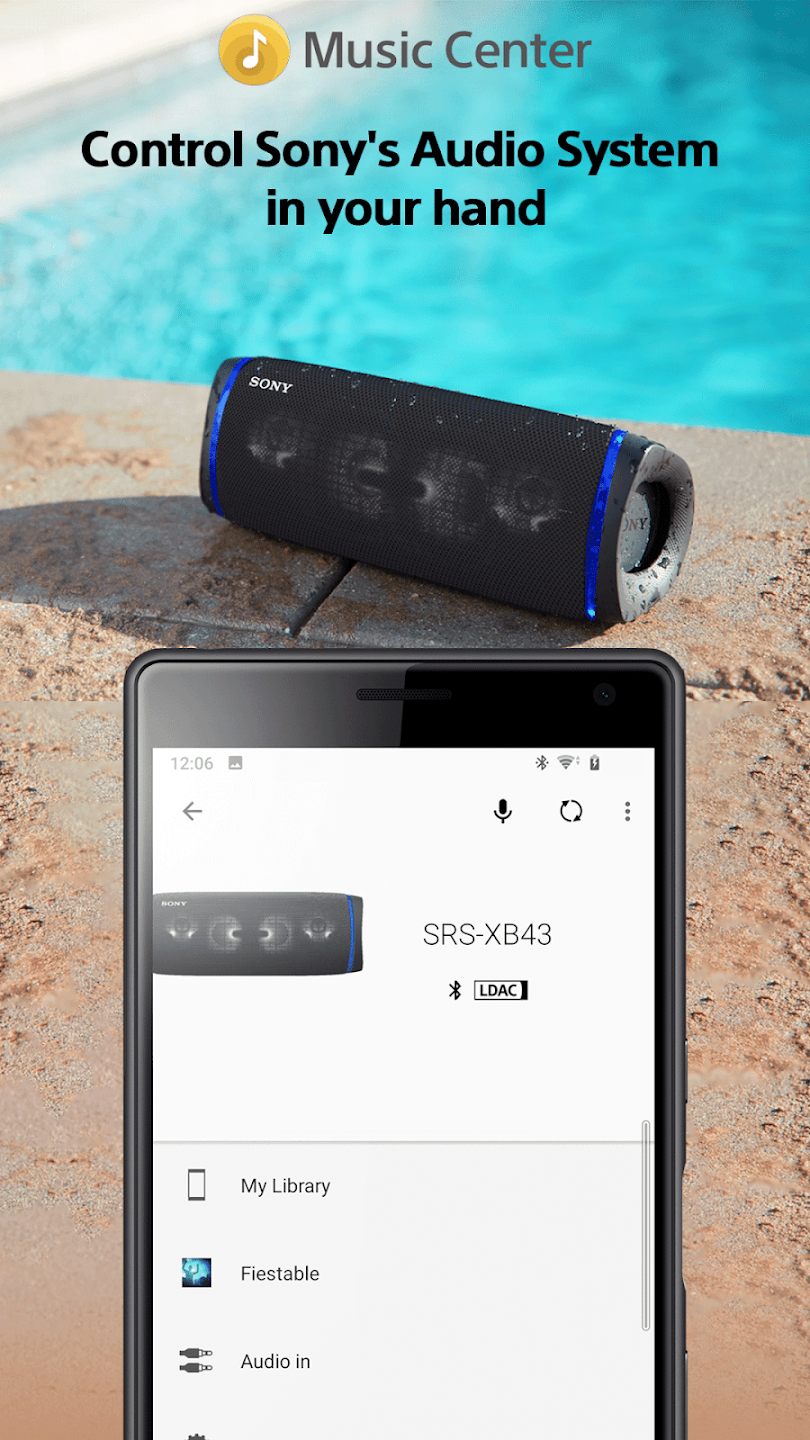
Music Center (SongPal) | Bluetooth Control | IR Remote Apps
FREE on Android & iOS
⚡ Control Volume, EQ, Source & Lights
⏰ Works with XAV, MEX, & GS Series
✅ Official App: Sony | Music Center (SongPal) for Smart Stereos.
✅ Controls: Volume, Track Skip, Source Switch (Radio/USB/BT), EQ Settings.
✅ Visuals: View Album Art and Song Info on your phone screen.
✅ IR Remote: Use generic IR apps for older non-Bluetooth Sony units.
✅ Connection: Connects via Bluetooth or USB depending on head unit.
💡 Tip: For older Sony stereos (without Bluetooth), you need an Android phone with an IR Blaster.
📊 Top Sony Remote Control Methods
| App / Method | Type | Best For |
|---|---|---|
| Sony | Music Center | Bluetooth / WiFi | Newer XAV & MEX Smart Units |
| Mi Remote / Peel | IR Blaster | Older Sony CD/USB Players |
| Sure Universal | WiFi / IR | Mixed Setups & Smart Homes |
📲 Detailed App Review
1. Sony | Music Center (Formerly SongPal)
🏆 Official Sony App Bluetooth Control
This is the official app from Sony. It connects to your compatible Sony Car Stereo via Bluetooth. You can browse music libraries, adjust sound settings (EQ), switch sources, and even control lighting on supported models (like GS series). It displays song information and album art on your phone.
Requirement: Sony Head Unit with Bluetooth/App Remote Mode.
2. IR Remote Apps (Mi Remote / ZaZa)
💰 Best for Old Stereos IR Required
For older Sony car stereos (like older MEX or CDX models) that do not have Bluetooth, you can use an IR Remote app if your Android phone has an Infrared Blaster. Select “Sony” from the Car Audio list in the app and point your phone at the stereo sensor.
Requirement: Phone with IR Blaster (e.g., Xiaomi, Redmi).
⚙️ How to Connect Music Center
Step 1: Pair Bluetooth
Turn on your Sony Car Stereo. Go to Settings > Bluetooth and pair your smartphone.
Step 2: Open App
Open the Sony | Music Center app. It will automatically detect the connected Sony device.
Step 3: Enable Remote Mode
Some units require you to select “App Remote” mode on the stereo’s source list for full control features.
🛒 Need a Physical Remote or New Stereo?
If your stereo is old and doesn’t support App control, or if you prefer physical buttons, you can buy replacement remotes on Flipkart. Alternatively, upgrade to a new Sony XAV unit with Android Auto/CarPlay for the best experience.
🛒 Buy Sony Remotes on Flipkart
👉 Check Myntra
1. Ensure Bluetooth is ON and Paired correctly.
2. Check if “App Remote” is enabled in the Stereo settings.
3. Disconnect other Bluetooth devices that might be interfering.